Features
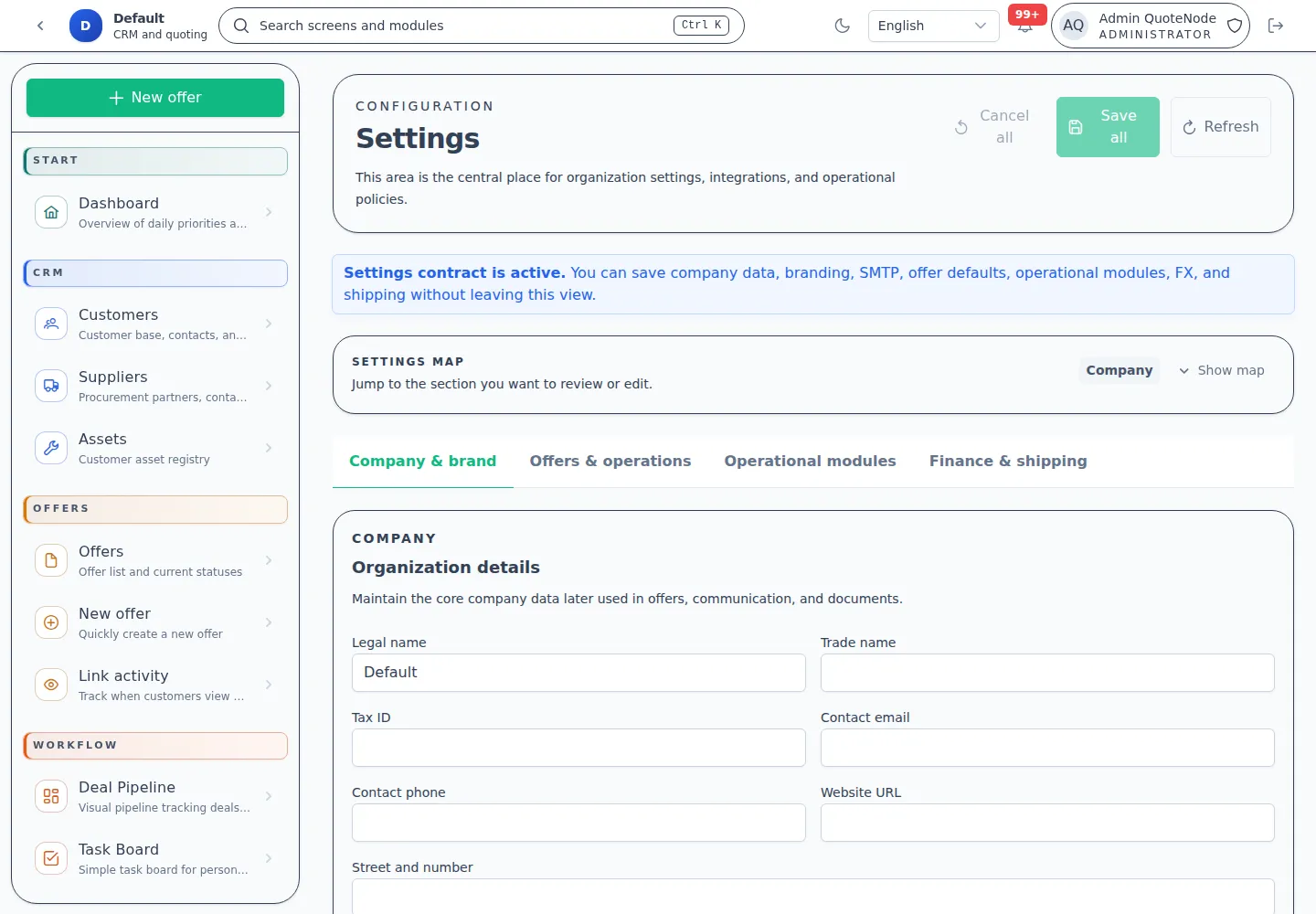
QuoteNode combines CRM, quoting, document generation, workflow tracking, and operator controls in one self-hosted system. This page maps the main capability areas and points to the workflow guides behind them.
1. Launch and Readiness
Everything needed to get the system operational and branded.
- Workspace Onboarding — Guided first-run setup for company identity, branding, and defaults.
- Sample Data Injection — Optional seeding of the environment with realistic examples for training and testing.
- Branding Controls — Upload logos, set brand colors, and configure company metadata.
- Email (SMTP) Configuration — Securely connect your mail server for tracked offer delivery.
- Release Awareness — Admin license view can check a public release manifest and show when a newer build is available.
Details: Onboarding Guide
2. CRM and Customer Assets
Customer data stays close to the sales and service workflows.
- B2B and B2C Records — Manage companies, persons, contacts, and commercial context.
- Activity Timeline — Log customer events, notes, and offer interactions.
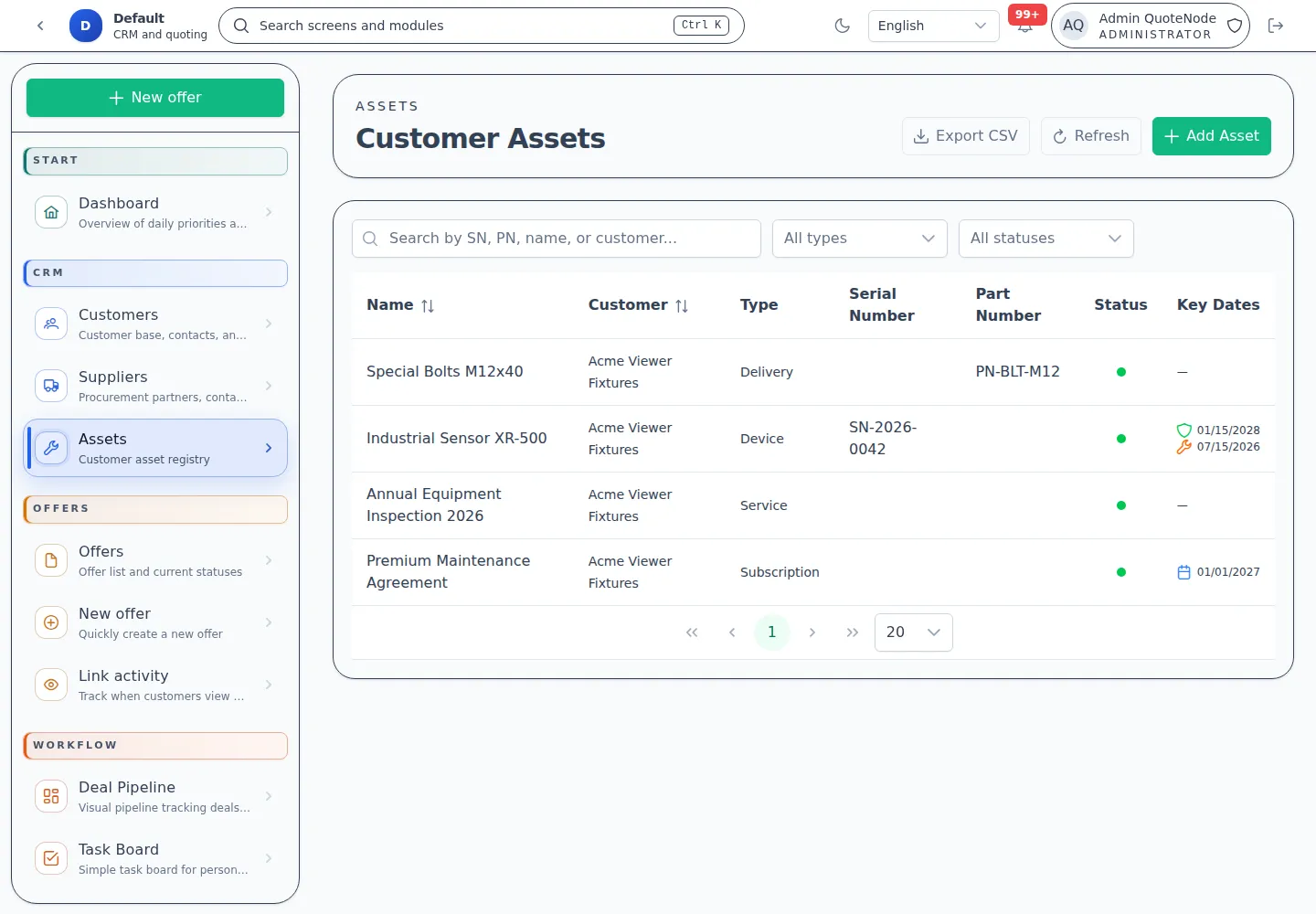
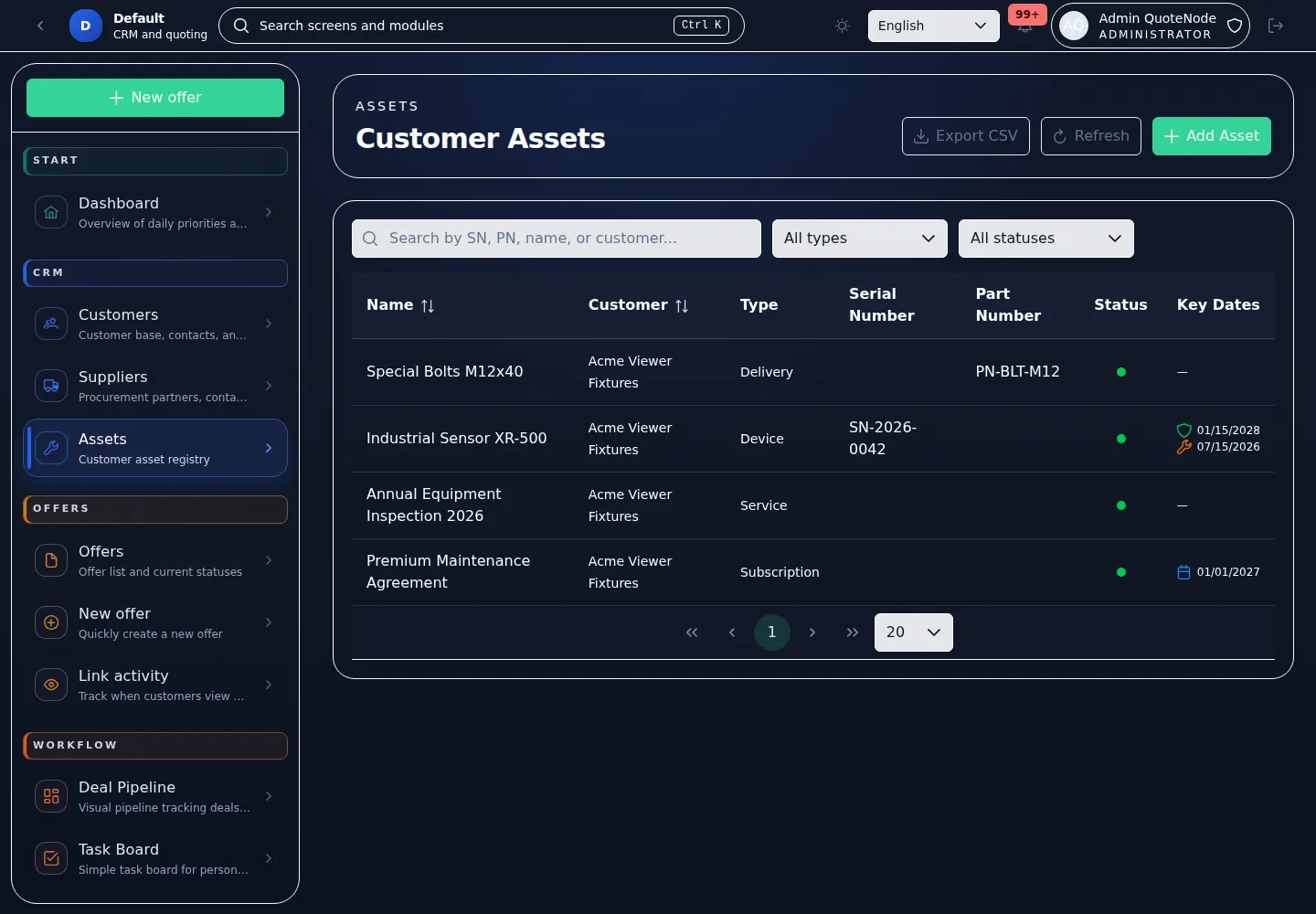
- Customer Assets — Track equipment, devices, subscriptions, installed products, or other assets connected to a customer.
- Service Events — Record maintenance, repair, inspection, replacement, or other asset-related events.
- Asset Attachments and Reminders — Keep files, warranty dates, subscription dates, and maintenance reminders near the customer record.
Details:
3. Product and Price List Management
Structured commercial data management.
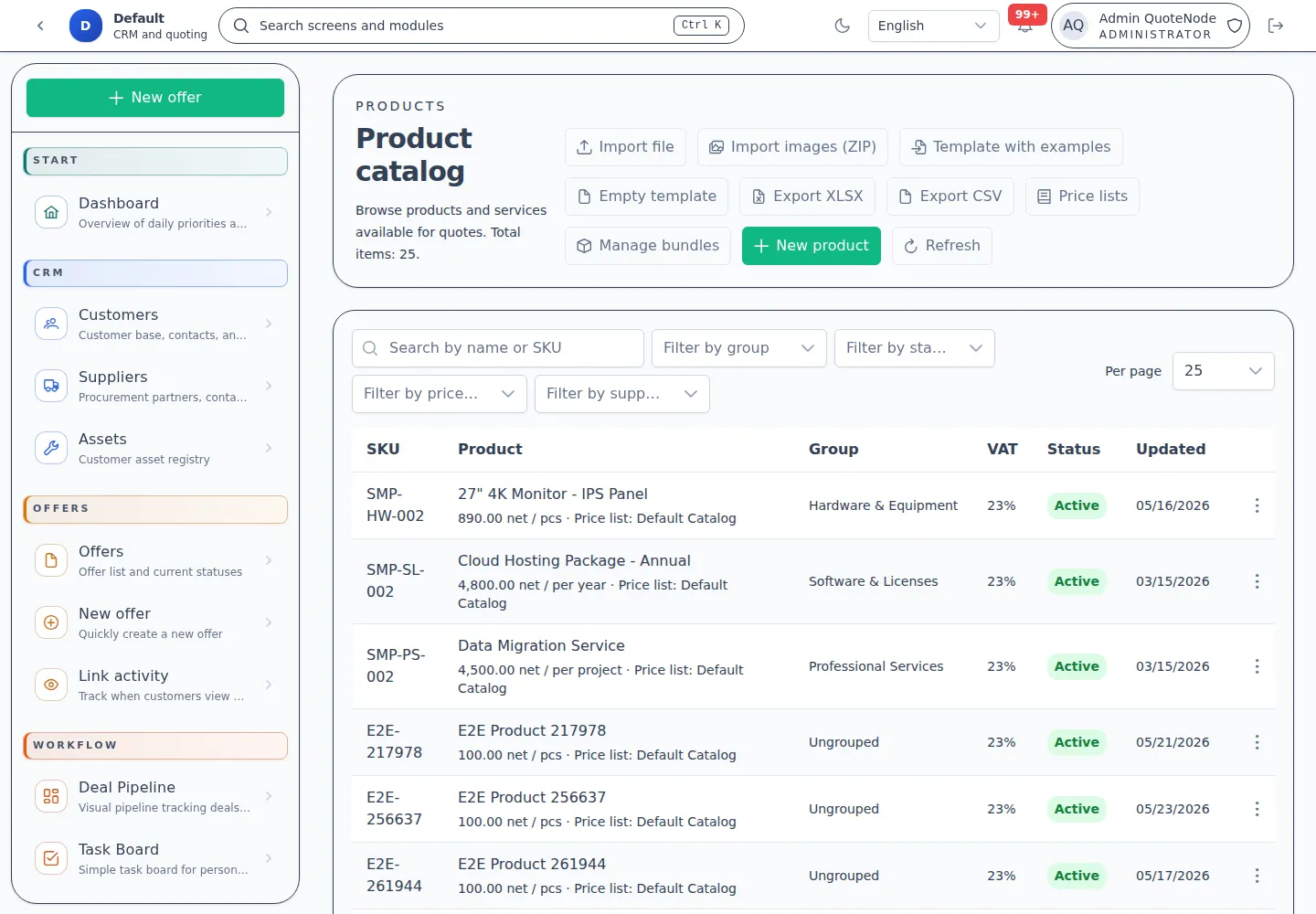
- Centralized Catalog — Manage products, services, SKU codes, unit measures, images, and product groups.
- Price List Workflows — Support for sales and purchase price lists with margin calculations.
- Role-Based Visibility — Control who can see sensitive cost data versus sales prices.
- Bulk Import/Export — CSV/Excel processing for products, images, and import mapping templates.
- Product Bundles — Groups of items resolved as multiple lines for complex proposals.
Details:
4. Offer Operations and Lifecycle
The core engine for creating and managing commercial proposals.
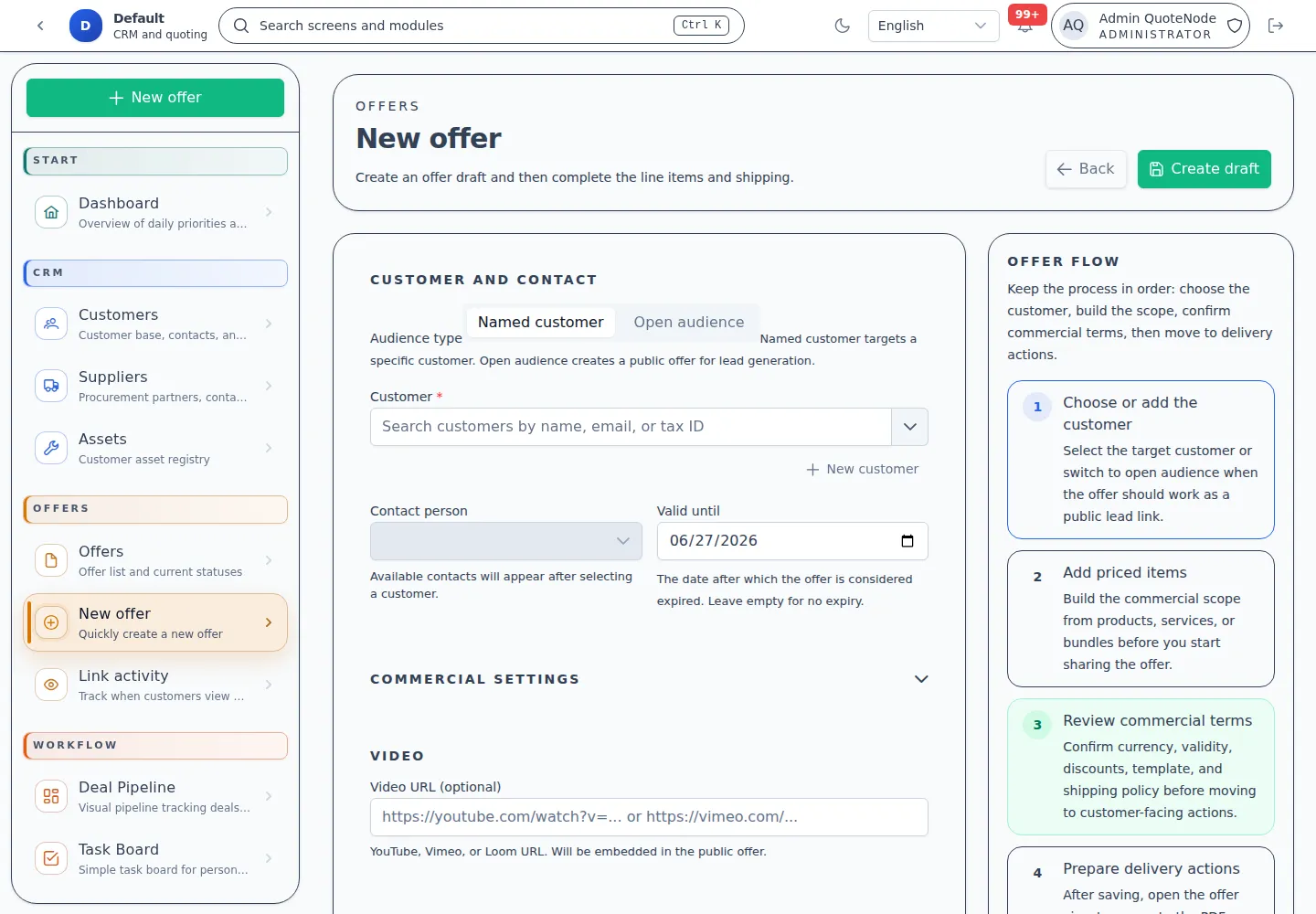
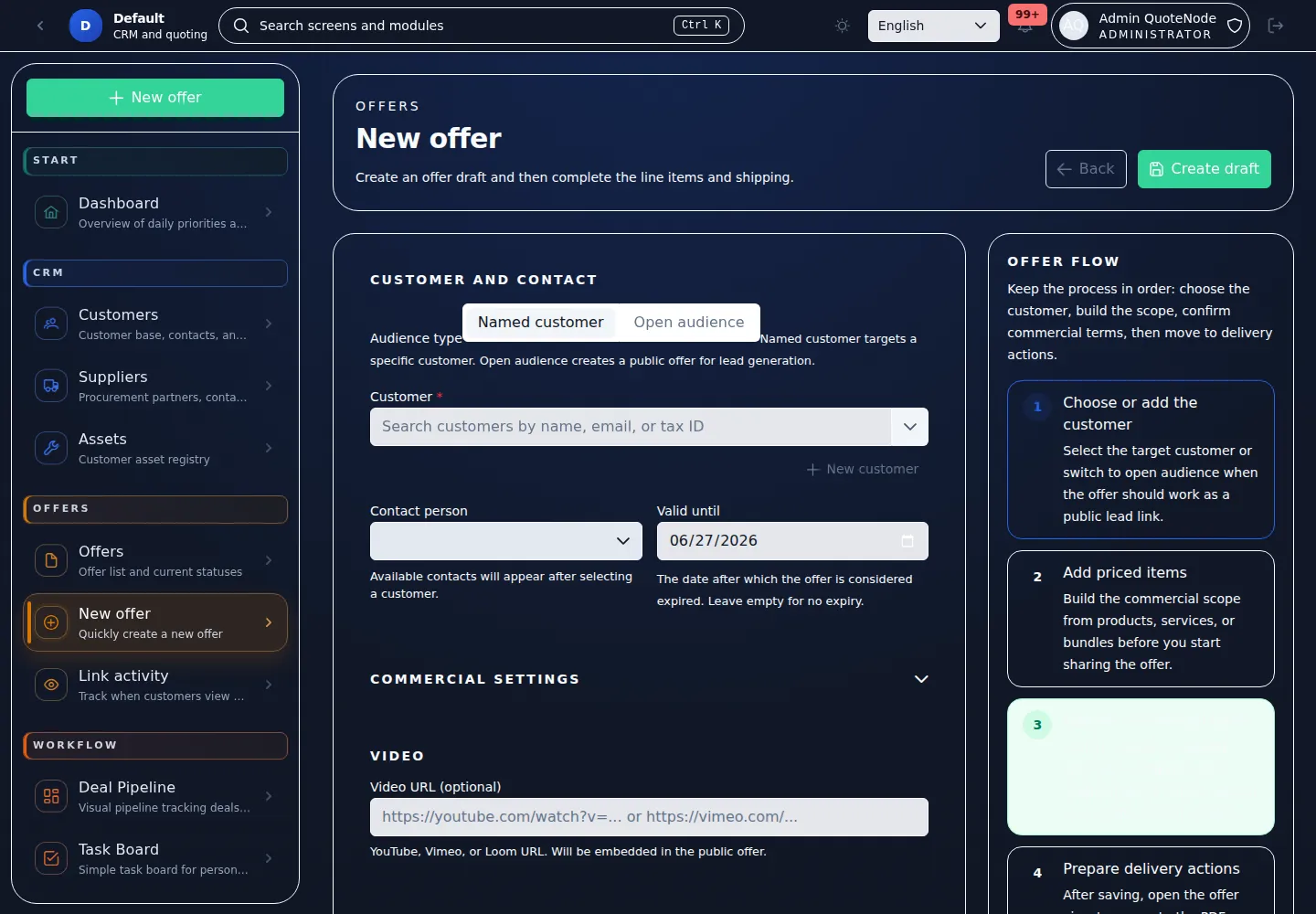
- Advanced Offer Creator — Build drafts for specific customers or open recipients.
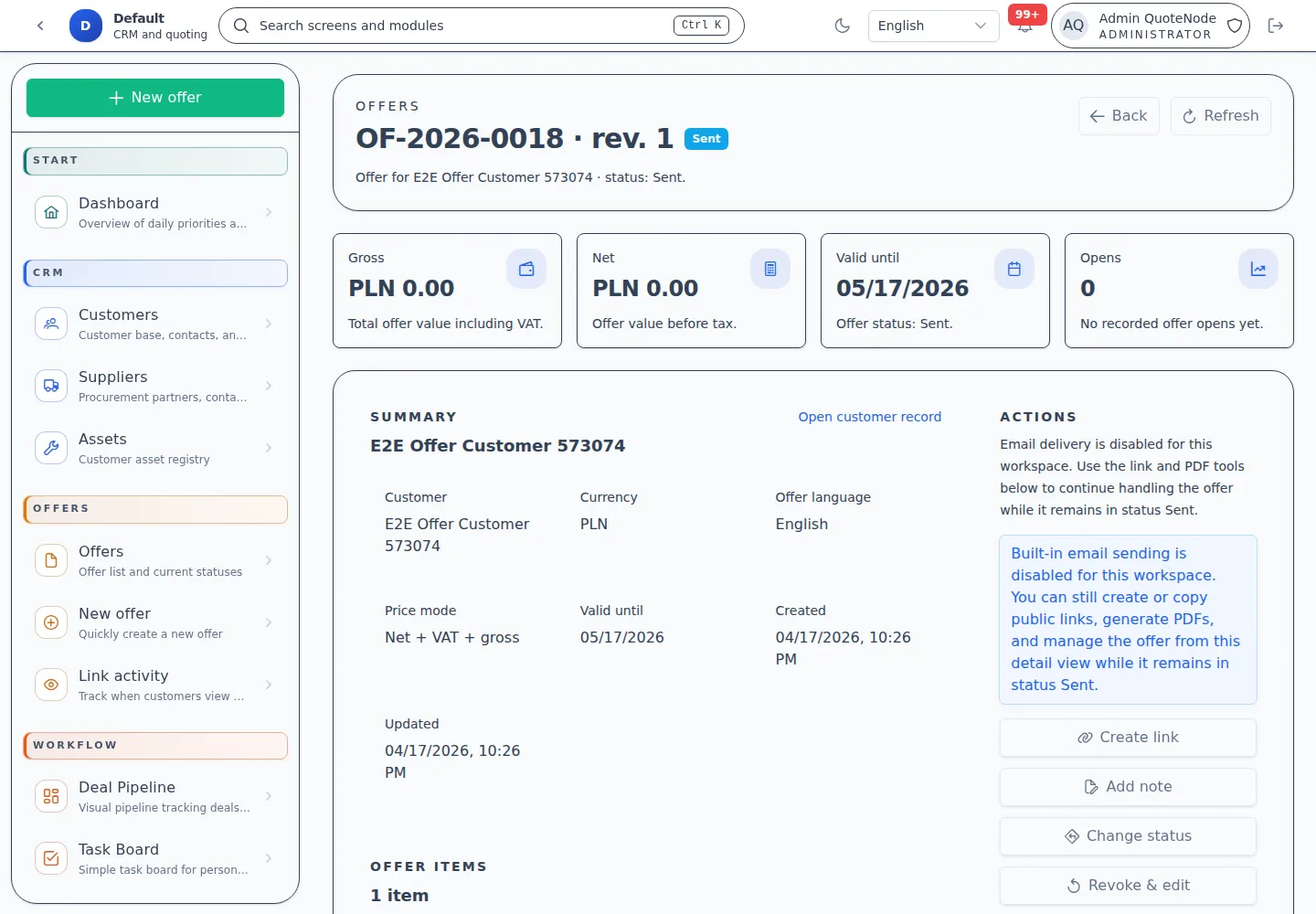
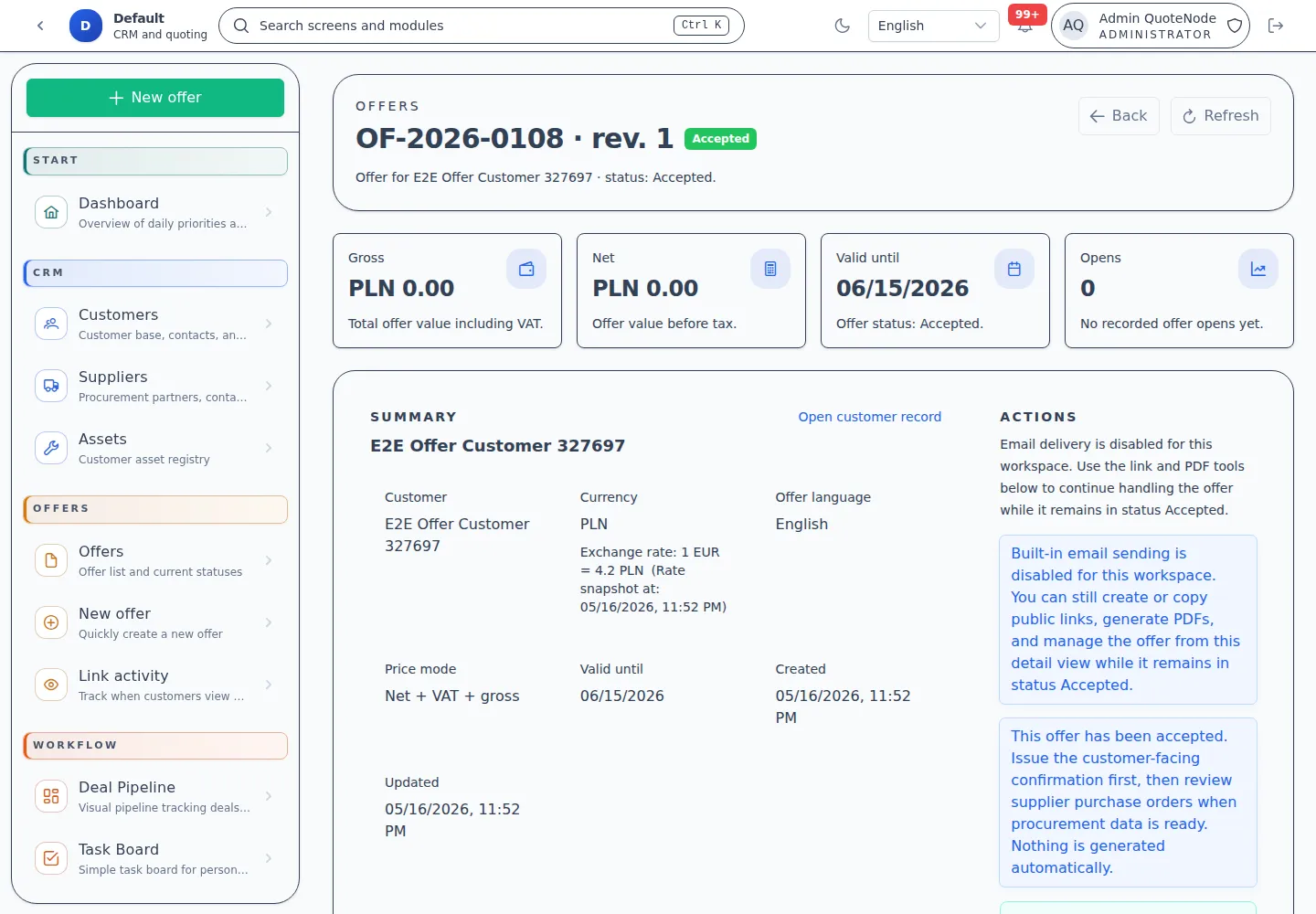
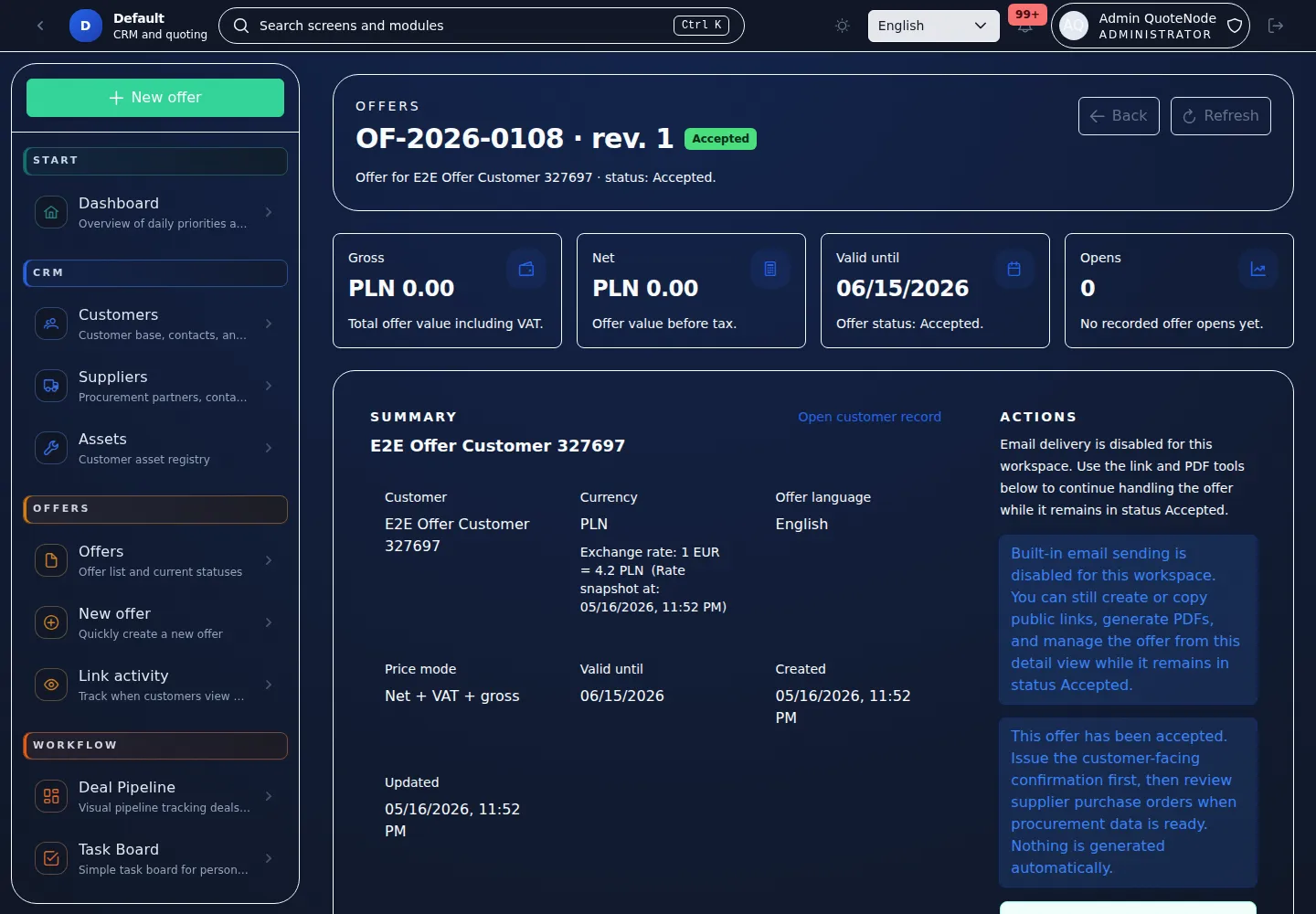
- Draft and Lifecycle Tracking — State-machine validated transitions from draft to sent, opened, accepted, rejected, expired, or cancelled.
- Pricing Logic — Deterministic calculations with multi-currency and VAT support.
- Global and Line-Item Discounts — Control over pricing behavior at every level.
- Delivery Policies — Pre-defined shipping and fulfillment terms.
- Immutable Snapshots — History-safe records of exactly what was offered.
- Open-Audience Offers — Create proposals for public distribution and lead generation without a specific customer recipient.
- Video Embeds — Attach YouTube, Vimeo, or Loom videos to offers for richer client presentations.
Details:
5. Client-Facing Delivery
Modern, professional ways to share offers with customers.
- Trackable Public Links — Share offers via secure URLs with country-level tracking.
- Public Acceptance/Rejection — Clients can accept, reply, or decline directly from the link.
- Password and PIN Protection — Optional security for sensitive public links.
- Email Verification — Identity challenge for named-customer offers when the link should not be freely forwarded.
- Branded PDF Generation — High-quality, print-ready documents based on offer snapshots.
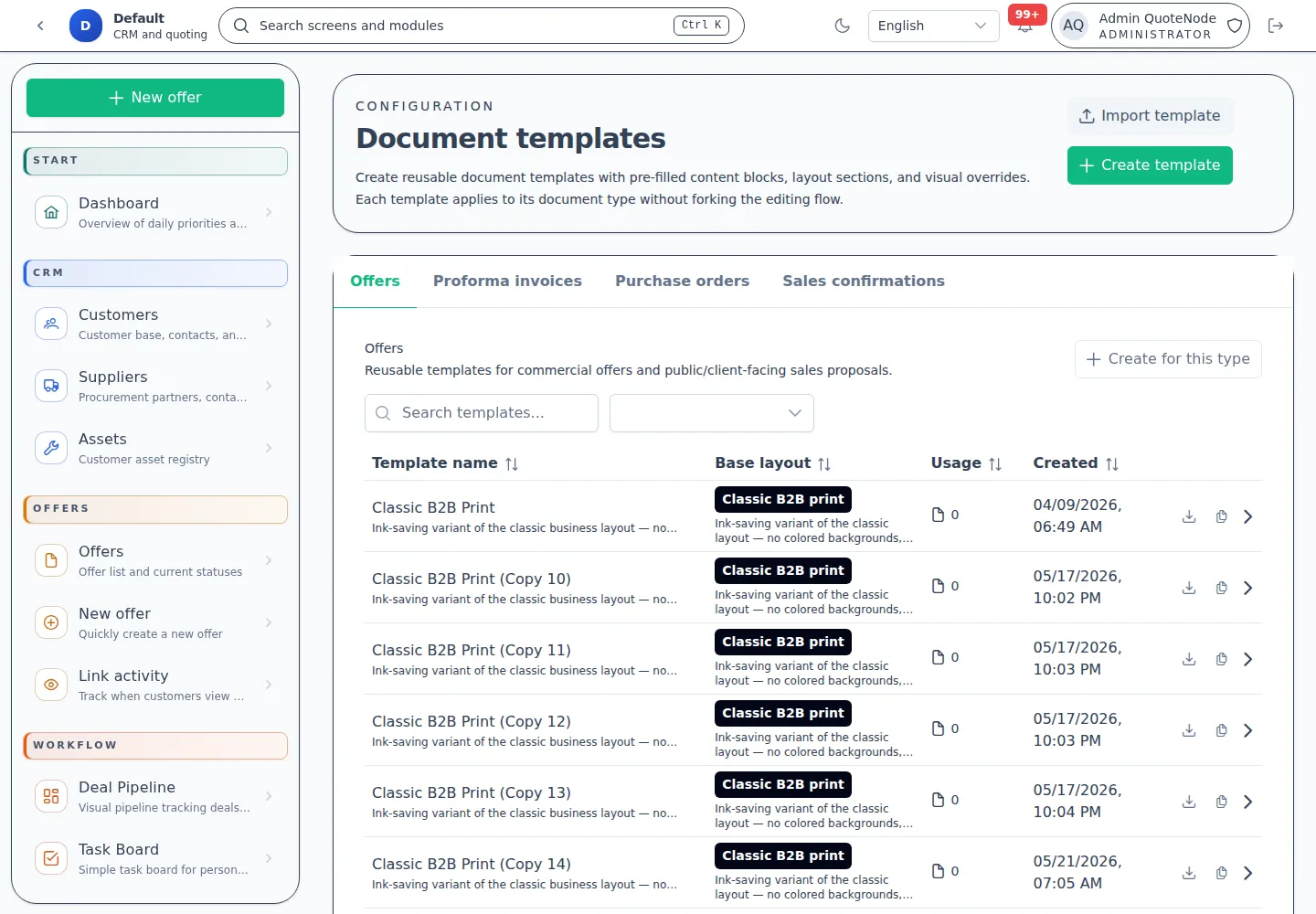
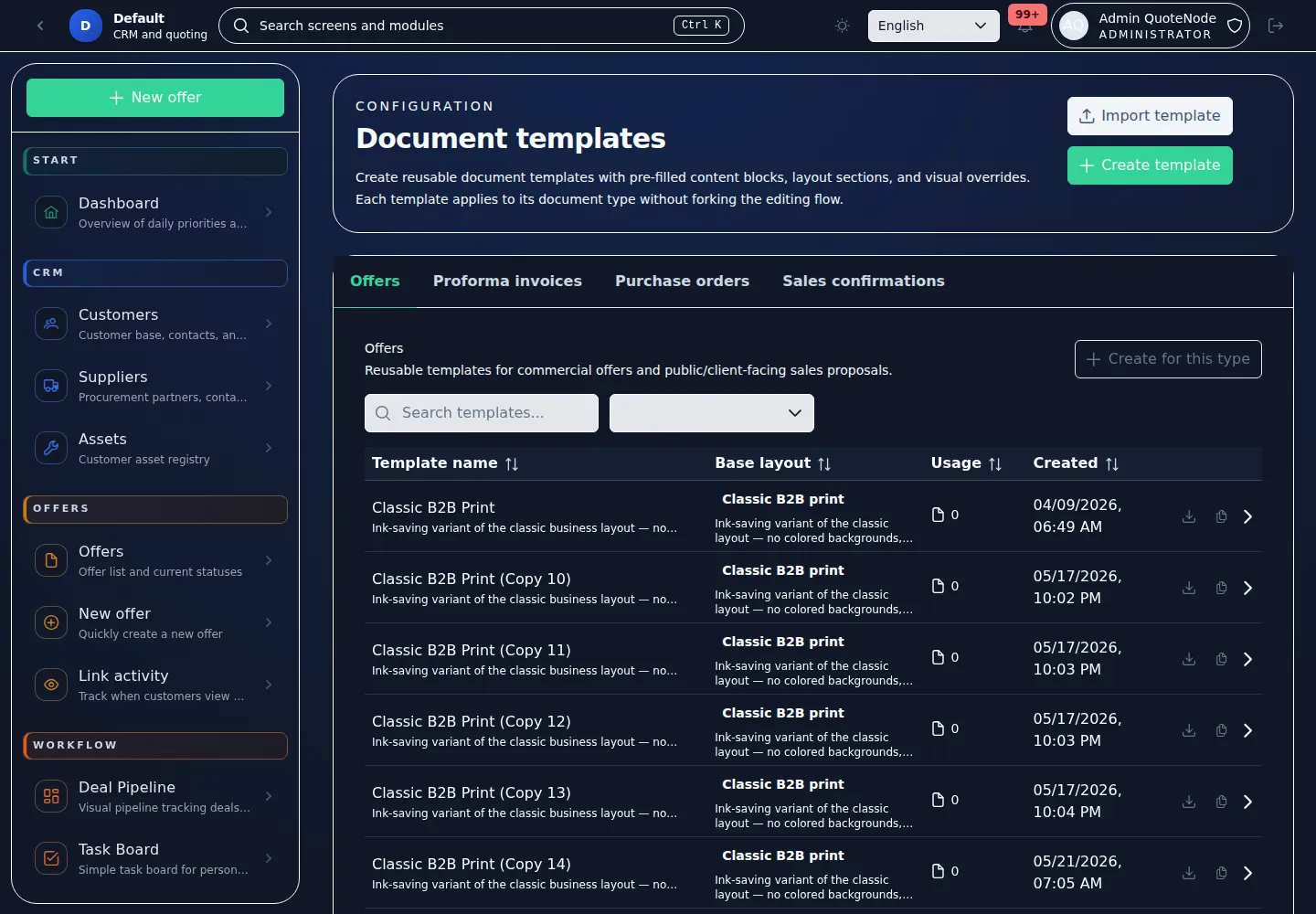
- Template Families — Reusable document layouts with section-level controls.
- Lead Capture Forms — Lightweight inquiry forms on open-audience links collect prospect email, phone, and company without requiring registration.
Details:
6. Post-Acceptance Documents
Operational document paths after a customer accepts an offer.
- Sales Confirmations — Confirm the accepted commercial scope for customer-side handoff.
- Supplier Purchase Orders — Group accepted offer items by supplier when purchasing work is needed.
- Proforma Invoices — Experimental beta module for payment-request documents generated from accepted offer snapshots.
- Document Templates — Separate layout support for offer, proforma, purchase-order, and sales-confirmation document types.
Proforma invoices are marked experimental for beta use. They are operational documents only and must be reviewed against local legal, tax, and accounting rules before customer use.
Details: Proforma Invoices
7. Sales Workflow
Visibility into active opportunities and follow-up work.
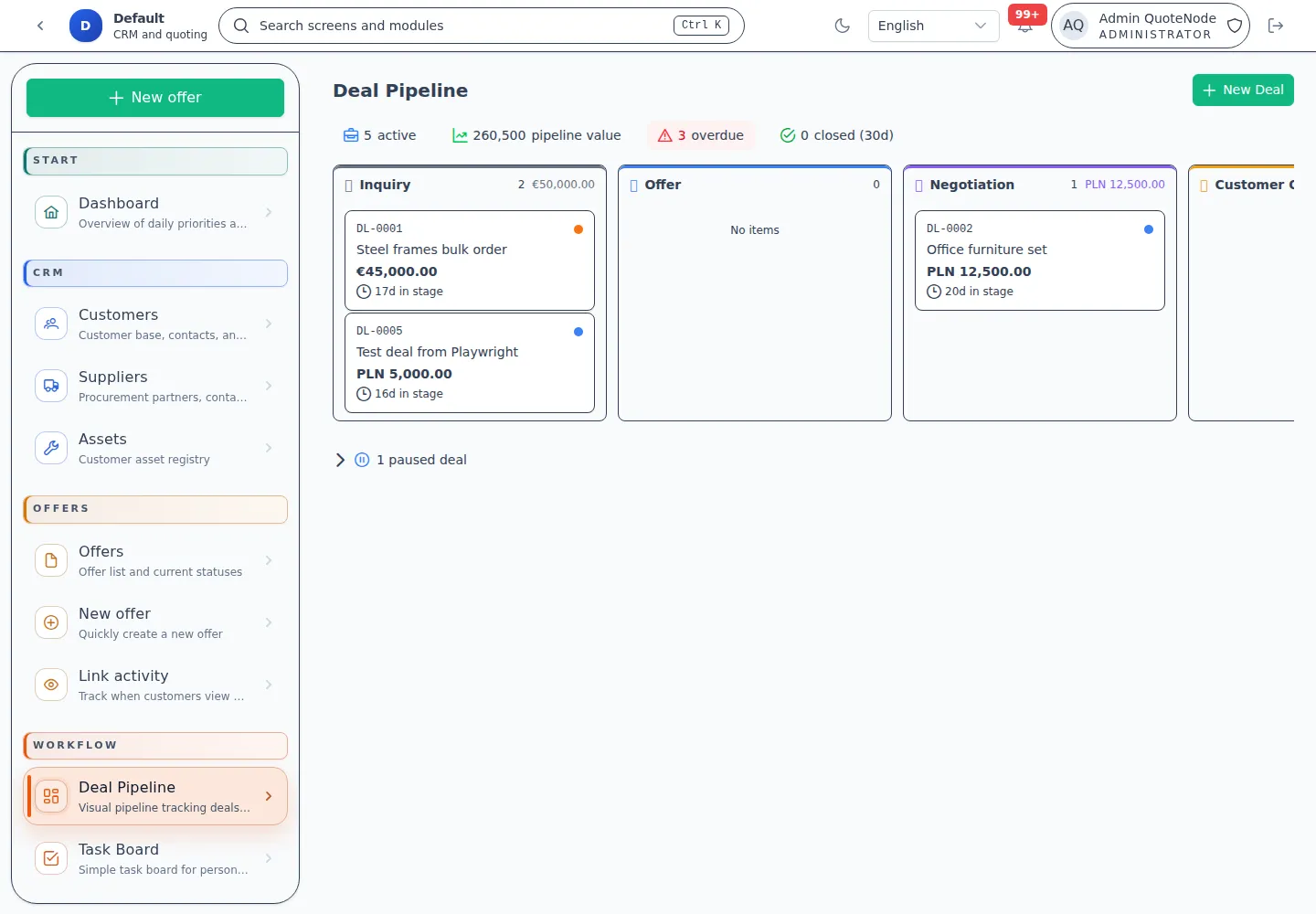
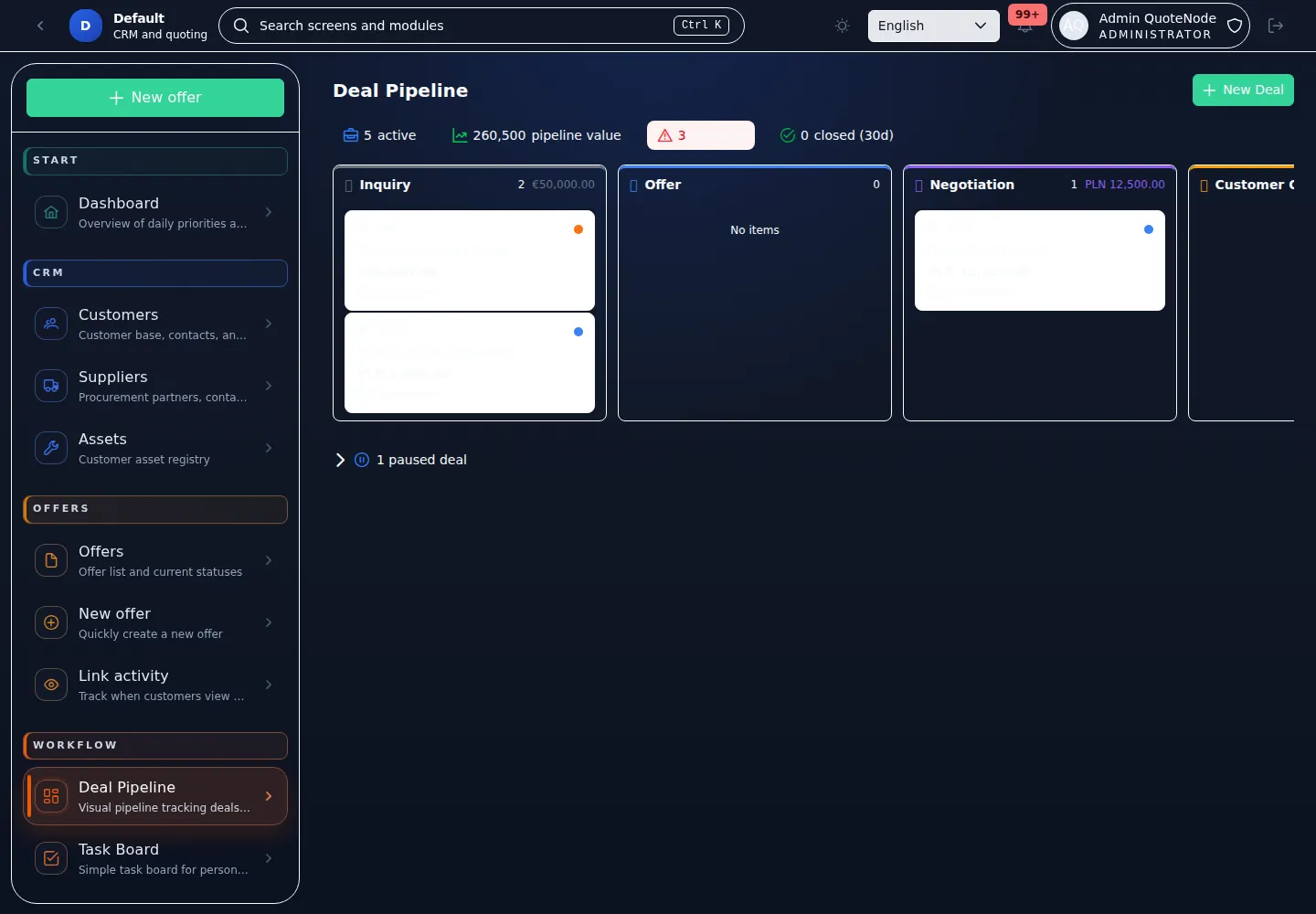
- Deal Pipeline — Kanban-style stages for opportunities from lead to close.
- Linked Documents — Deals can reference offers, sales confirmations, purchase orders, and proformas.
- Deal Payments — Track expected or received payment records against deals and documents.
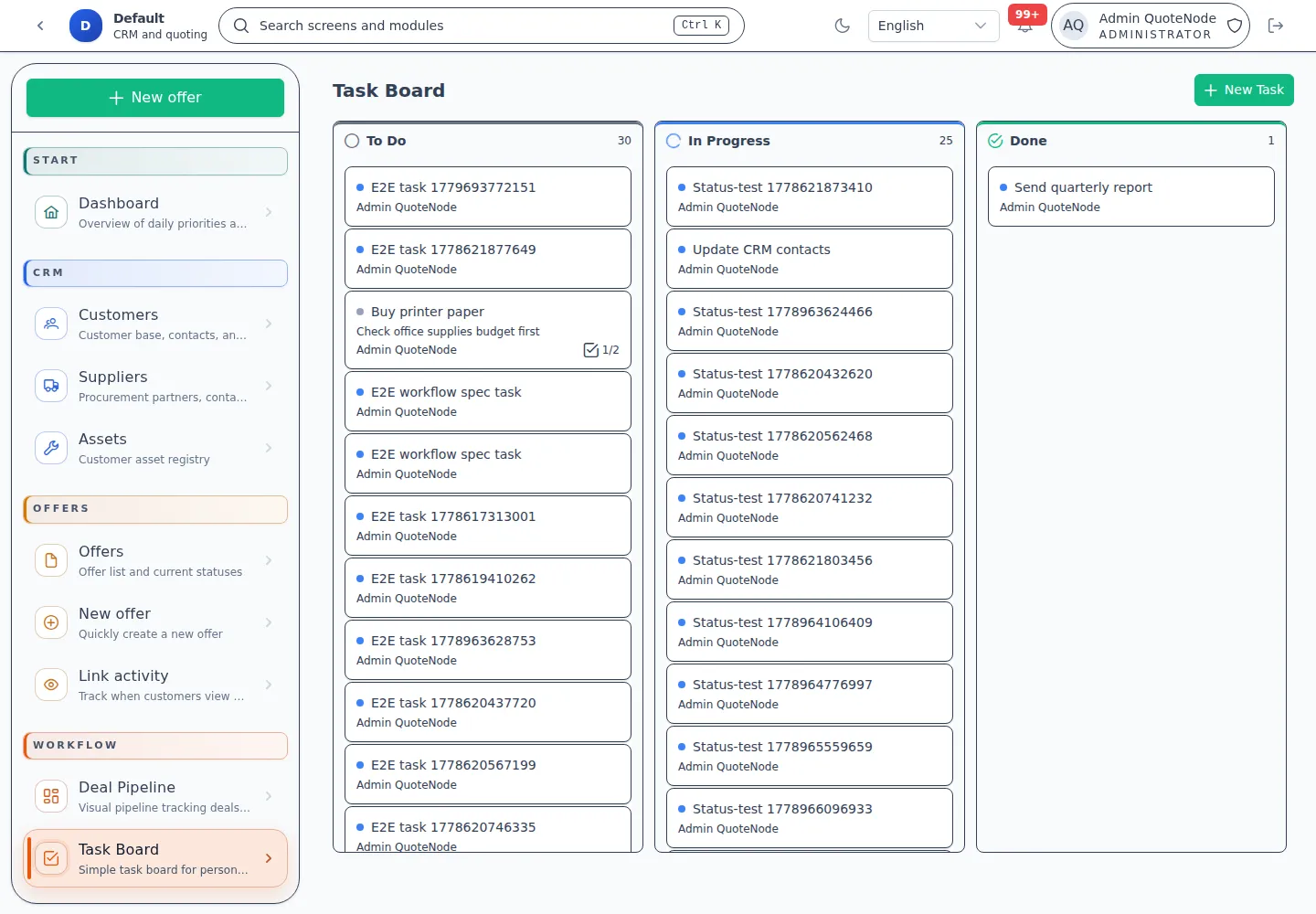
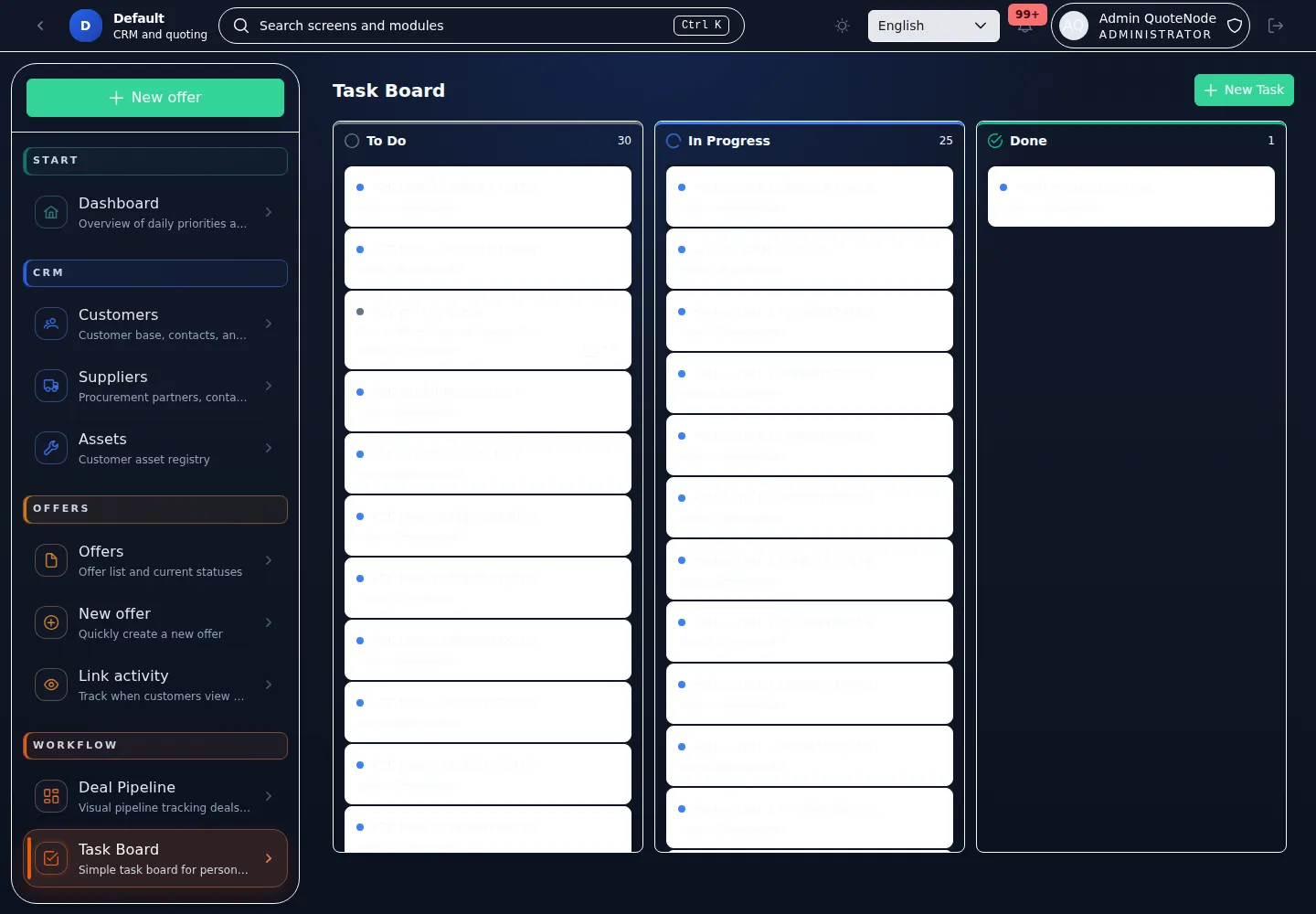
- Task Board — Personal and deal-linked task workflow with Kanban columns.
- Configurable Operational Toggles — Administrators can enable or disable pipeline and task board features per tenant.
Details:
8. Sales Intelligence
Real-time visibility into sales performance.
- Pipeline Value — Current value of active offers by status and salesperson.
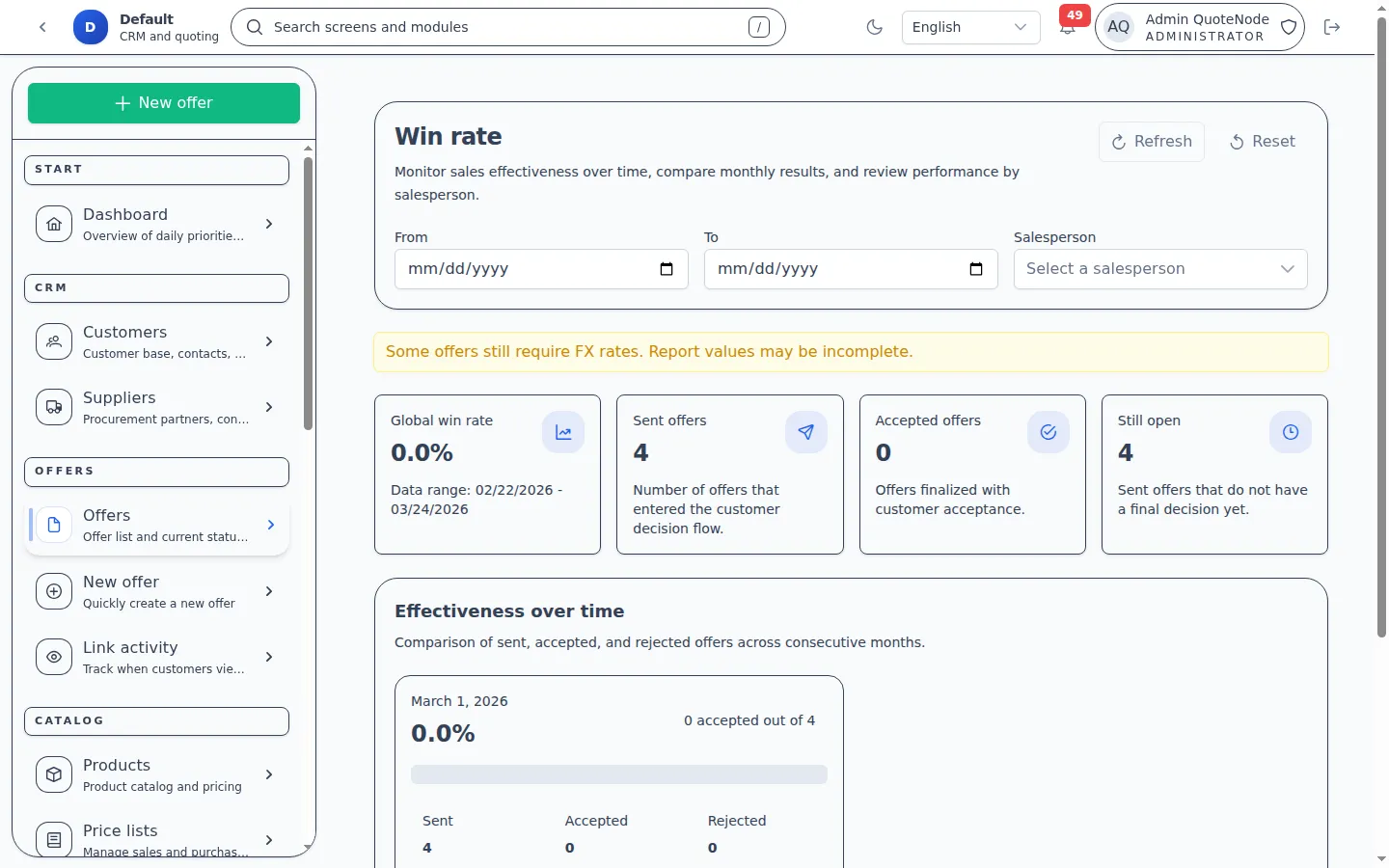
- Win Rate Trends — Effectiveness analysis with monthly breakdown.
- Time-to-Decision — Deal velocity metrics to identify bottlenecks.
- Exportable Data — Reports support CSV export for external analysis.
- Link Activity Dashboard — Dedicated view showing which offers are being viewed, open counts by time period, and active link status.
- Return Visit Detection — Automatic identification of customers who revisit an offer after a configurable gap.
- Hot Lead Badges — Visual indicators on the offers list highlighting proposals with recent return visits.
- Revisit Notifications — Automatic alerts to the offer owner when a customer returns to review a proposal.
Details: Sales Reports Guide
9. Security and Operations
Controls for self-hosted teams.
- Role-Based Access (RBAC) — Admin, Manager, Salesperson, and Viewer roles.
- Single-Tenant Isolation — Physically isolated data for every instance.
- Immutable Audit Log — Permanent history of mutation events.
- 2FA and Security Headers — Modern authentication and network security defaults.
- GeoIP Access Control — Optional country-level restriction for app access.
- Automated Backups — Scheduled database and file backups with remote storage support.
- Focused Admin Areas — Settings, Security, Backup, Diagnostics, Audit, and License are split into dedicated operator views.
Details: