QuoteNode, Explained Through Real Workflows
QuoteNode is a self-hosted CRM and quoting platform for teams that need control over commercial data, structured sales work, and client-facing documents that look intentional instead of improvised.
The product is built around the way commercial work actually moves: first workspace setup, then customers and products, then offers, client delivery, follow-up, and operational documents after acceptance.
1. Launch Your Workspace
QuoteNode starts with a guided onboarding process, not an empty dashboard and a maze of hidden settings.
Onboarding helps a new workspace set up:
- company identity,
- visual branding,
- default locale and VAT behavior,
- email sending readiness,
- confidence during the first run.
It can also seed the environment with sample data, so the team immediately sees realistic customers, products, and offers before importing production data.
Why it matters:
- the first real offer happens faster,
- client-facing materials are branded from day one,
- administrators can defer SMTP setup without blocking sales work.
Read more: Workspace Onboarding
2. Organize Customers, Contacts, and Assets
QuoteNode keeps customer records close to the sales work they support.
Teams can manage:
- B2B and B2C customer records,
- customer contacts and commercial history,
- offer activity tied to the customer,
- customer assets such as equipment, devices, subscriptions, or installed products,
- service events, attachments, maintenance dates, warranty dates, and reminders for those assets.
This matters when the sales process depends on what the customer already owns, what is due for renewal, or what needs follow-up after delivery.
Read more:
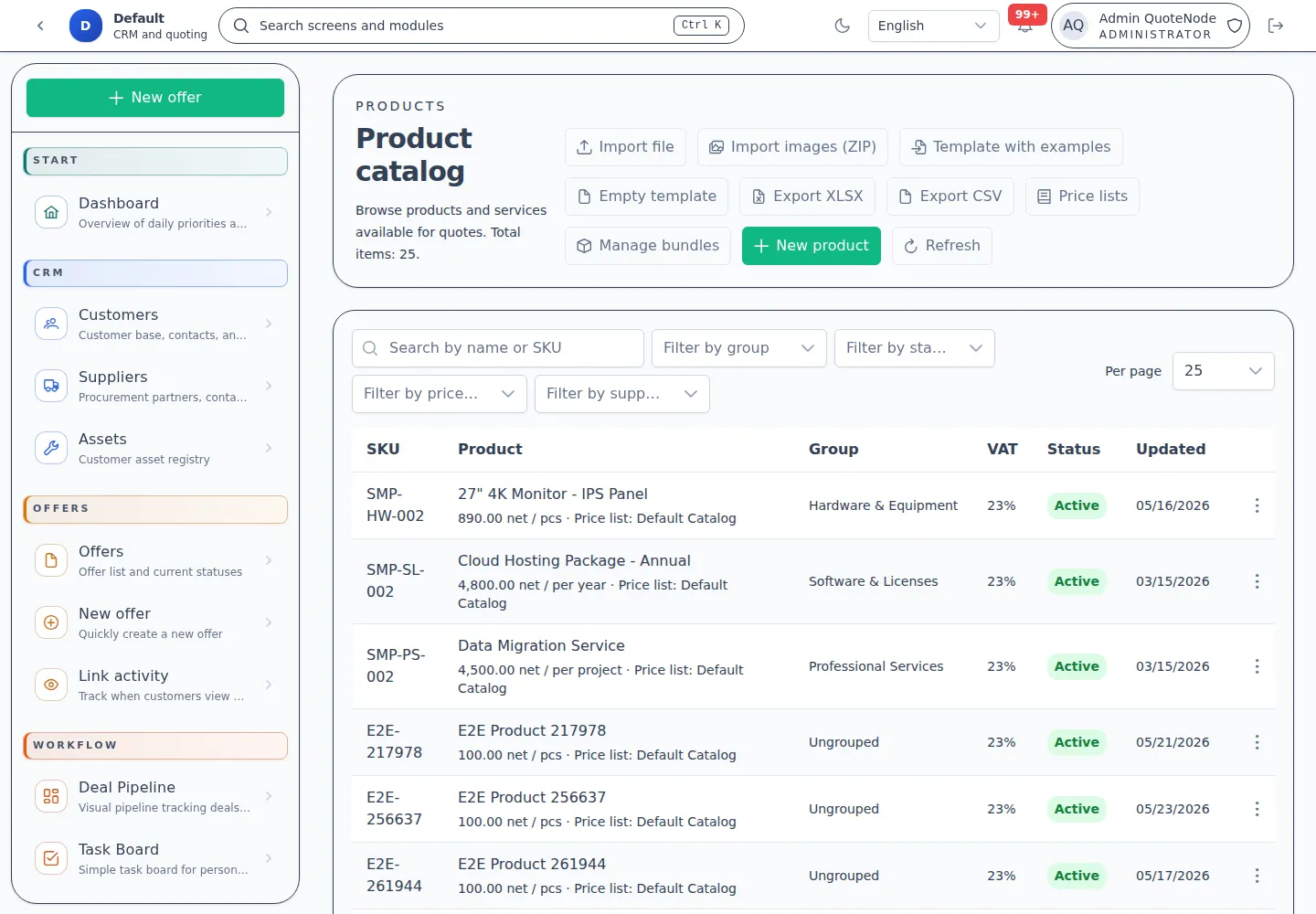
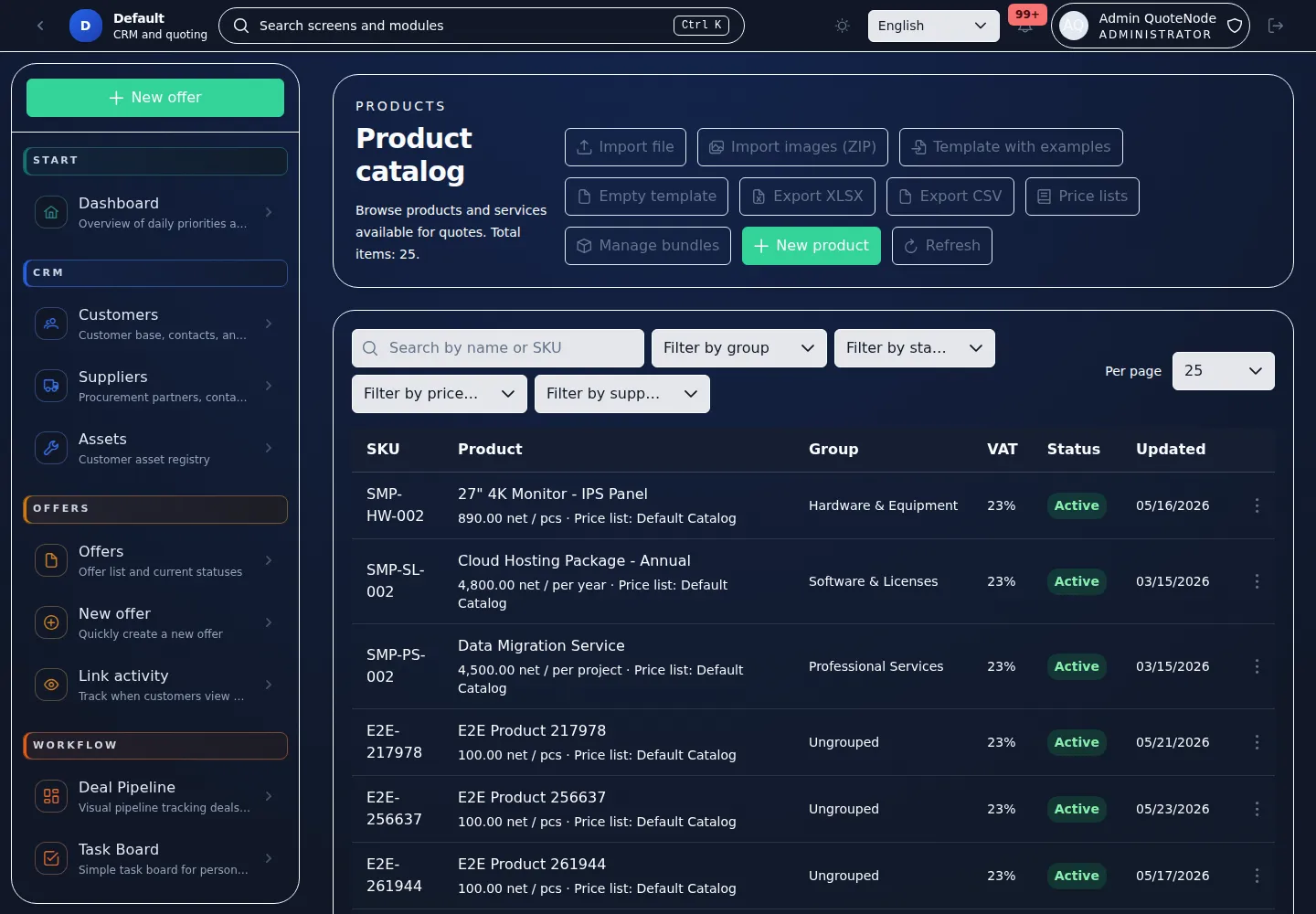
3. Organize Price Lists, Not Just Products
QuoteNode does not treat pricing as one flat product table.
The product layer supports real-world price list workflows, including:
- sales price lists,
- purchase price lists,
- calculating sales price via margin,
- role-based visibility for sensitive cost data,
- importing and editing products in catalog context,
- creating offers directly from a selected price list.
This matters when a company wants to strictly separate source cost, commercial price, and what different roles are allowed to see.
Read more:
4. Build an Offer from Real Commercial Context
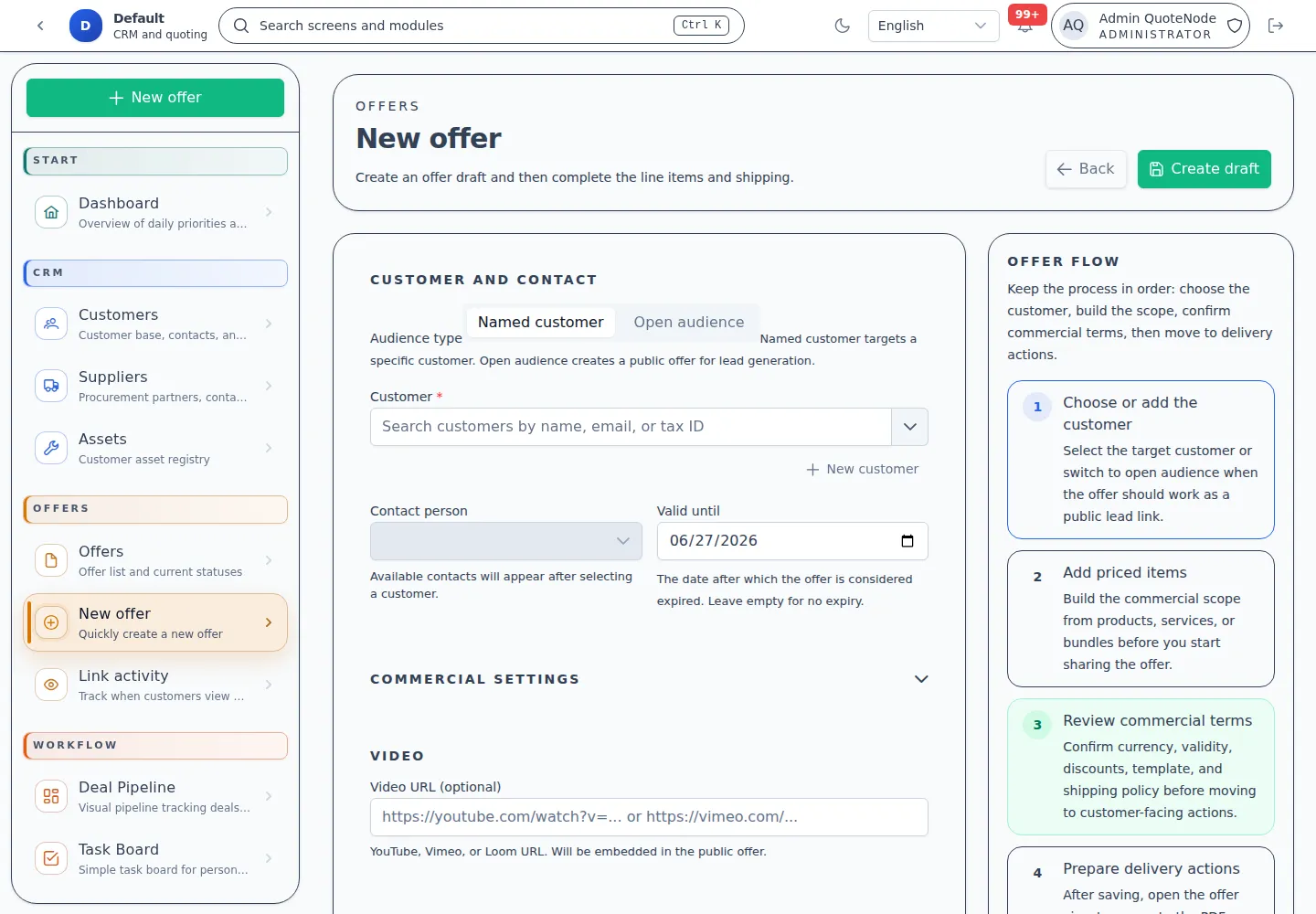
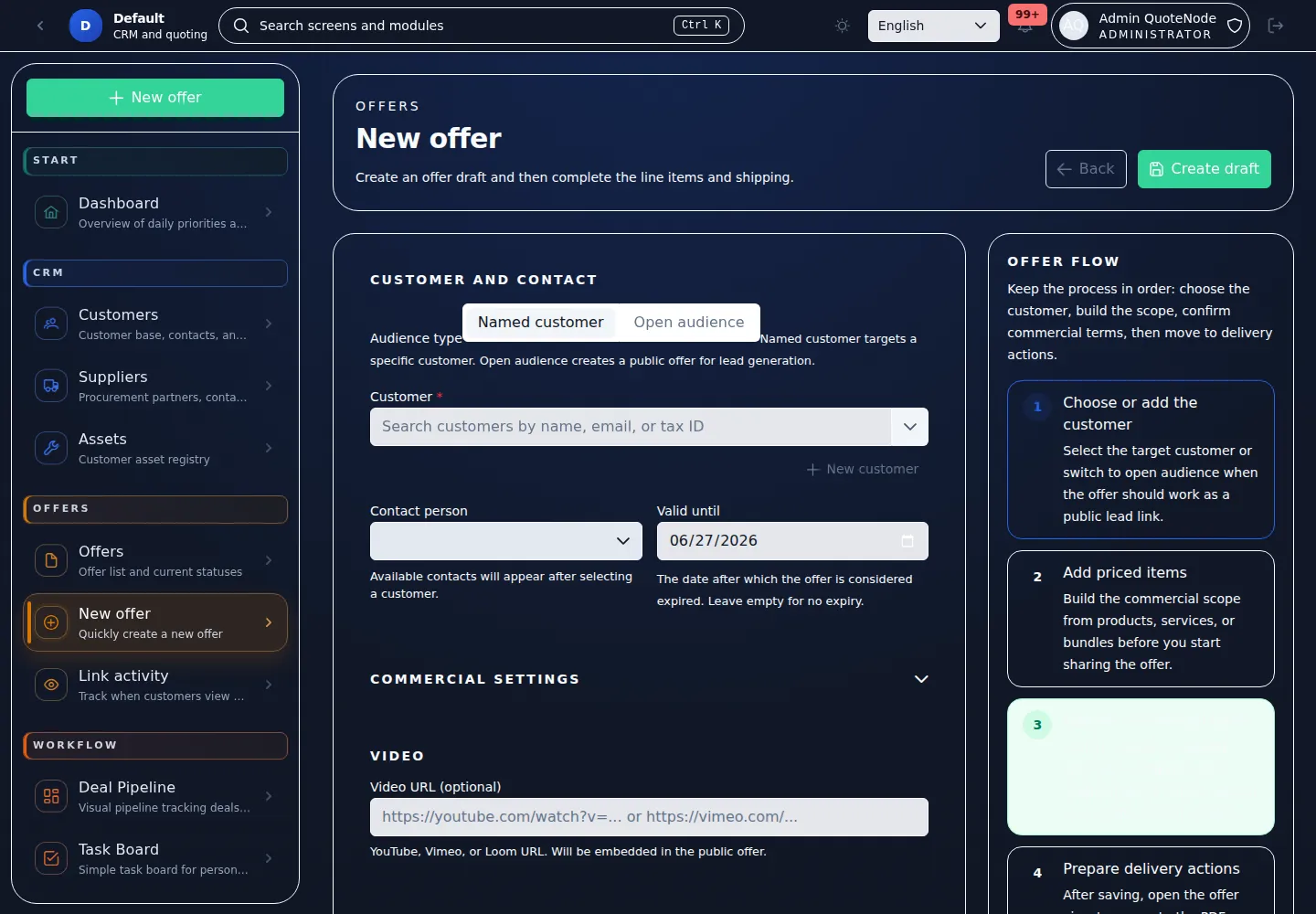
The offer creator is where QuoteNode becomes operational.
It supports more than a simple draft form:
- offers for a specific customer and for open recipients,
- quick-adding customers and contacts without leaving the creator,
- entering an offer from a price-list context,
- custom line items,
- product bundles,
- line item sections,
- global discounts,
- delivery policies and calculated shipping options,
- sharing via public link,
- sending from the app or a no-email mode.
The result is not just a list of items. It is a controlled sales process combining pricing logic, document structure, and delivery method in one place.
Read more:
5. Track Sales Work With Pipeline and Tasks
QuoteNode now includes workflow tools for the work around the offer.
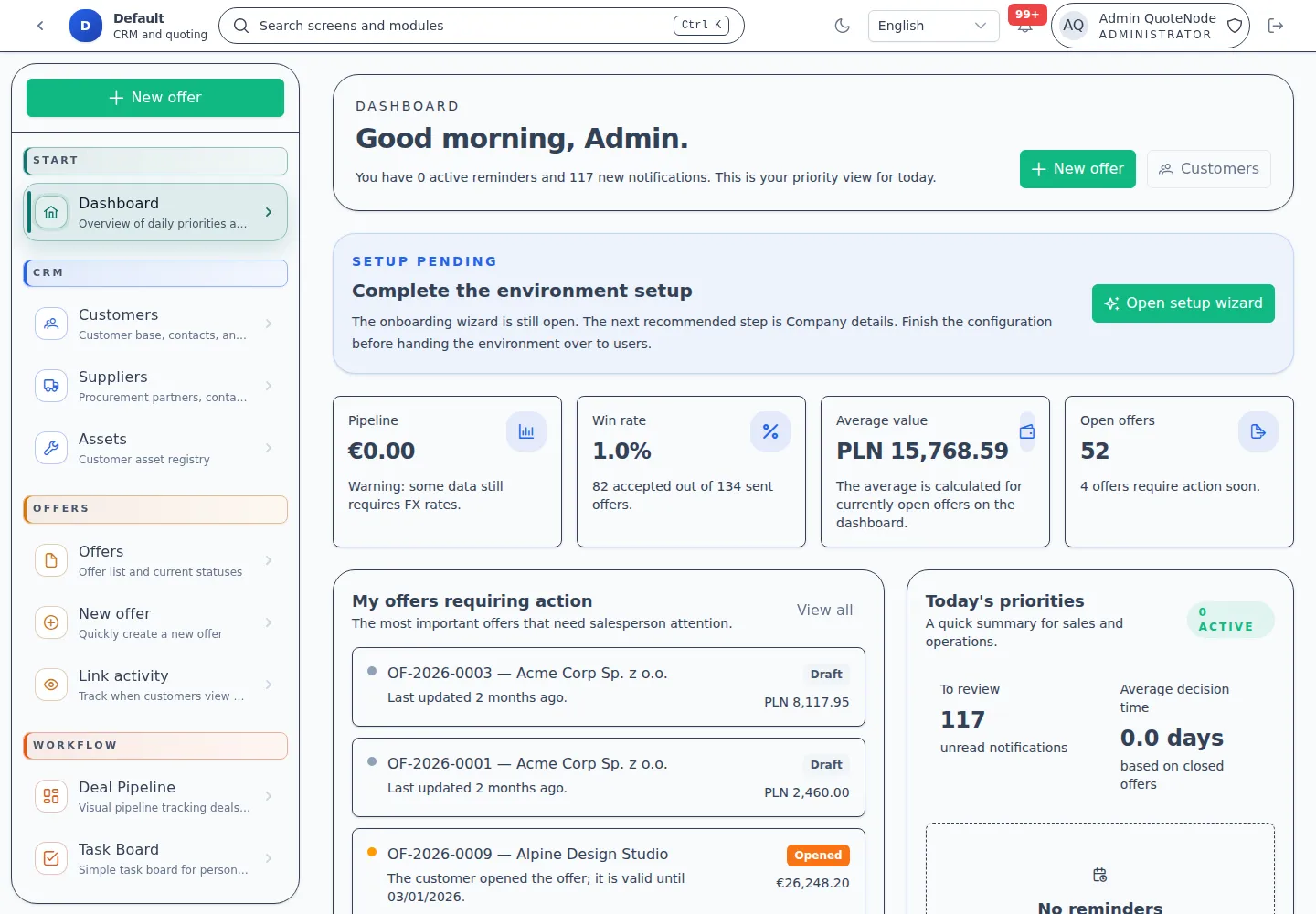
The deal pipeline gives teams a Kanban-style view of active opportunities, configurable stages, deal values, expected close dates, linked customers, and linked documents. The task board gives sales users a personal and deal-linked view of follow-ups, reminders, and operational work.
This makes QuoteNode useful beyond the moment of quote creation. A team can keep track of what needs attention before and after the offer is sent.
Read more:
6. Shape the Document Seen by the Client
The template system in QuoteNode is a document builder, not just a PDF skin.
Teams can work with:
- template families,
- multiple document types,
- structured section layouts,
- conditional content blocks,
- pre-defined content snippets and variables,
- branding overrides,
- PDF previews,
- cloning, exporting, and importing templates.
This allows preparing different presentation styles for different sales situations without reinventing the document from scratch every time.
Read more:
7. Continue After the Customer Accepts
Once an offer is accepted, QuoteNode can help with follow-up documents and operational handoff.
Supported post-acceptance document paths include:
- sales confirmations,
- supplier purchase orders,
- proforma invoices for formal payment requests before final invoicing.
The proforma invoice module is experimental during beta. It creates operational payment-request documents from accepted offer snapshots, but it is not a replacement for accounting, tax, or VAT-invoice software. Operators must verify legal and fiscal requirements for their jurisdiction.
Read more: Proforma invoices
8. Run Administration Without UI Overload
QuoteNode avoids one oversized settings page.
Operator work is split into focused areas:
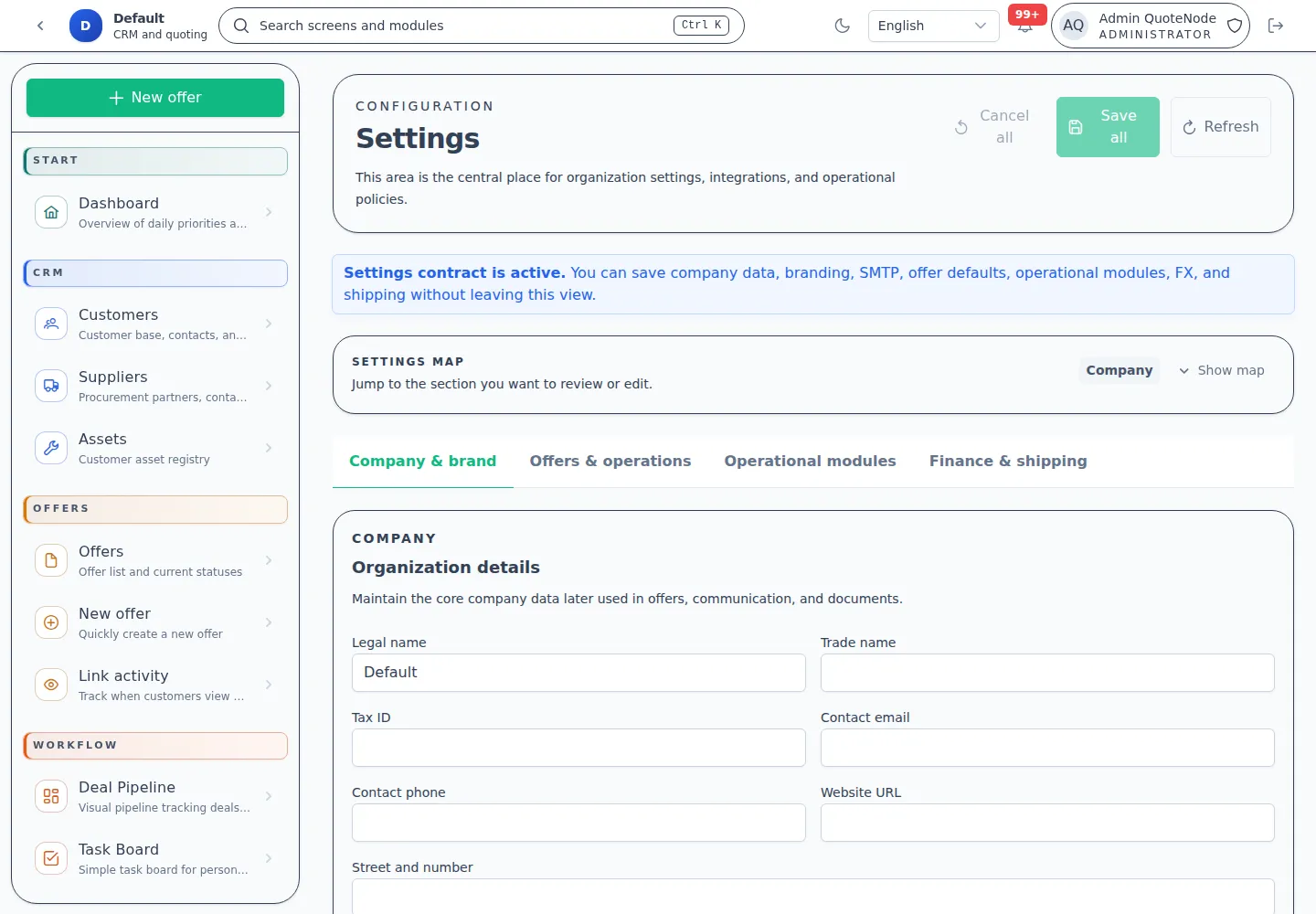
- Settings for workspace identity, branding, SMTP, operational feature toggles, and commercial defaults,
- Security for policies, monitoring, and readiness,
- Backup for backup history and recovery actions,
- Diagnostics for technical logs and support data,
- Audit for immutable business and security events,
- License for current edition, offline license upload, build metadata, and release-update awareness.
This keeps rare but important admin work easier to understand during real operations.
What Happens After Sending
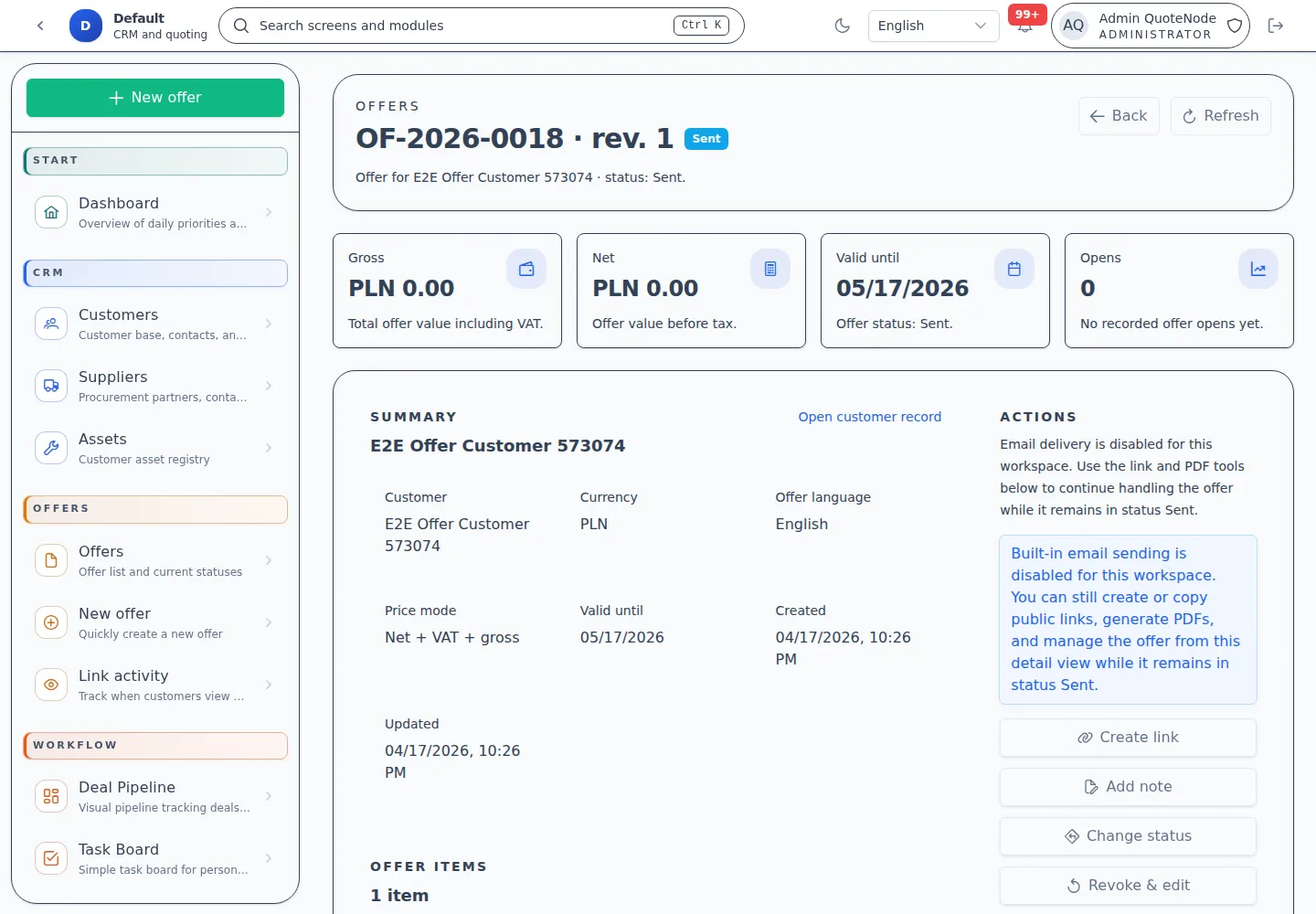
Once an offer is shared, QuoteNode maintains an immutable snapshot of what the client actually received.
This snapshot becomes the stable foundation for:
- lifecycle transitions,
- PDF generation,
- public link rendering,
- auditability,
- later renewal or cloning processes,
- accepted-offer operational documents.
This matters because commercial data changes over time. The offer itself, however, must remain historically understandable.
Why Self-Hosted Matters Here
These workflows operate on data that many companies do not want to keep in a shared SaaS model:
- customer records,
- pricing structures,
- purchase price visibility,
- negotiation history,
- commercial documents,
- audit trails.
QuoteNode is designed to maintain these processes on infrastructure you control, without sacrificing modern operator UX or polished client materials.
Who It Fits Best
QuoteNode works well for:
- freelancers and consultants needing professional, branded offers,
- agencies and small sales teams wanting a repeatable quoting process,
- mid-sized organizations that care about pricing discipline, document consistency, workflow visibility, and auditability,
- self-hosting teams wanting full control over infrastructure, data, and backup strategy.